Tesla-first EV rentals

The fastest way to book
a Tesla you'll actually want to drive.

Book in minutes and skip the rental counter. Every Tesla includes Full Self-Driving at no extra charge. See the real rate, pick your dates, and check out with Stripe. Rent by the day or by the week, and add airport delivery at checkout when a host offers it.

Own a Tesla? List it and earn on the host platform.

24/7 booking
Reserve online anytime — hosts may require lead time for delivery requests
Phone-ready
Tesla app access and in-trip controls for linked vehicles — no counter key handoff
FSD included
Navigate on Autopilot, auto lane changes, and smarter highway miles — included on every rental, not a checkout add-on

Full Self-Driving included

Every Tesla. Full Self-Driving. No upsell at checkout.

You came for the Tesla experience — not a stripped-down rental with surprise add-ons. Full Self-Driving is standard on every car in our fleet: Navigate on Autopilot, auto lane changes, and smarter highway miles, all included in the price you see when you book.

What FSD means for your trip — and why it beats the competition

Smarter highway miles

Navigate on Autopilot on supported highways, automatic lane changes, and traffic-aware cruise control — less fatigue when you're crossing town, driving to the airport, or stacking rideshare shifts.

Not a host negotiation

Elsewhere you filter for FSD, message the host, and hope they enabled it — or pay a daily add-on. Here the rate you see is the rate you get, with FSD already on the car.

Easier pickups and parking

Autopark and Smart Summon (where available) take the stress out of tight airport lots and curbside meet-ups — the convenience people rent a Tesla for in the first place.

Full Self-Driving requires active driver supervision. Feature availability depends on Tesla software, road conditions, and local regulations. Jolt Ryde is not affiliated with Tesla, Inc.

For gig workers

Book a Tesla by the week — built for your shifts

Rideshare and delivery drivers need the same car all week, not a new reservation every few days. Lock a rolling 7-day window at a weekly rate, keep driving with FSD on every highway mile, and renew when your schedule runs long.

Weekly booking without the gig-economy rental runaround

Weekly rate upfront

See what the week costs before you commit — one price for a 7-day window instead of stacking daily quotes shift by shift.

Same car, full week

Keep one Tesla across your runs — with Full Self-Driving included for highway shifts. When the week's up, extend or start the next window from your account.

Renew when you need more time

Schedules slip — book the next week from your trip page, or opt into auto-renew with a saved card to keep the same car without rebooking.

Keyless-style rental

Land at the airport. Pick up your Tesla on your terms.

Skip the rental counter. Book before you fly, then pick up near your host's location or add paid airport delivery when the listing offers it. At some airports you may walk to the car; at others a shuttle to the lot is part of the meet-up — your host coordinates the handoff in your booking details.

Fewer friction points from booking to keys

Book before you land

Pick your dates, model, and rate online — confirm the trip while you're still packing, not in a line at arrivals.

Airport delivery

Flying in? When a host offers delivery, choose the airport option at checkout, pay the listed fee, and coordinate meeting details with your host.

Help when plans change

Flight delayed or need to adjust pickup? Message your host from your rental page after confirmation, or email us if you need platform support.

Drive & host on one platform

Book a Tesla for your trip, or list yours when it's parked — same marketplace, two paths. Pick what you need below.

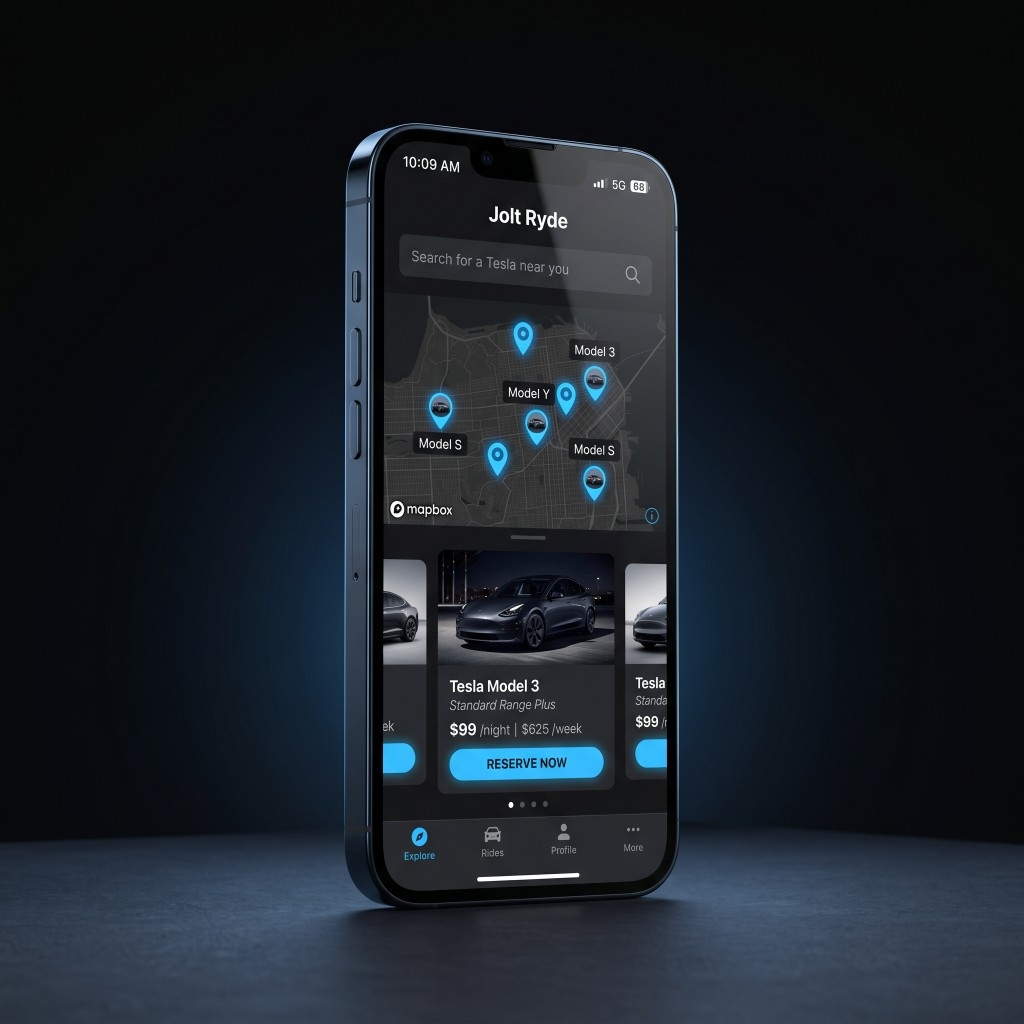
Jolt Ryde on iPhone — mobile web browse, Tesla listings, and Reserve Now

Drive

Browse live inventory in your market, pick your dates, and check out with Stripe. Track your rental from confirmation through return — including weekly windows and optional auto-renew for gig drivers.

  • FSD included on every Tesla — no host upsell or surprise add-on at checkout
  • Real fleet and rates — search by dates and daily rate, compare models, and book online
  • Daily or weekly trips; payment and status in your driver account
  • One-time driver onboarding (license verification) before your first booking
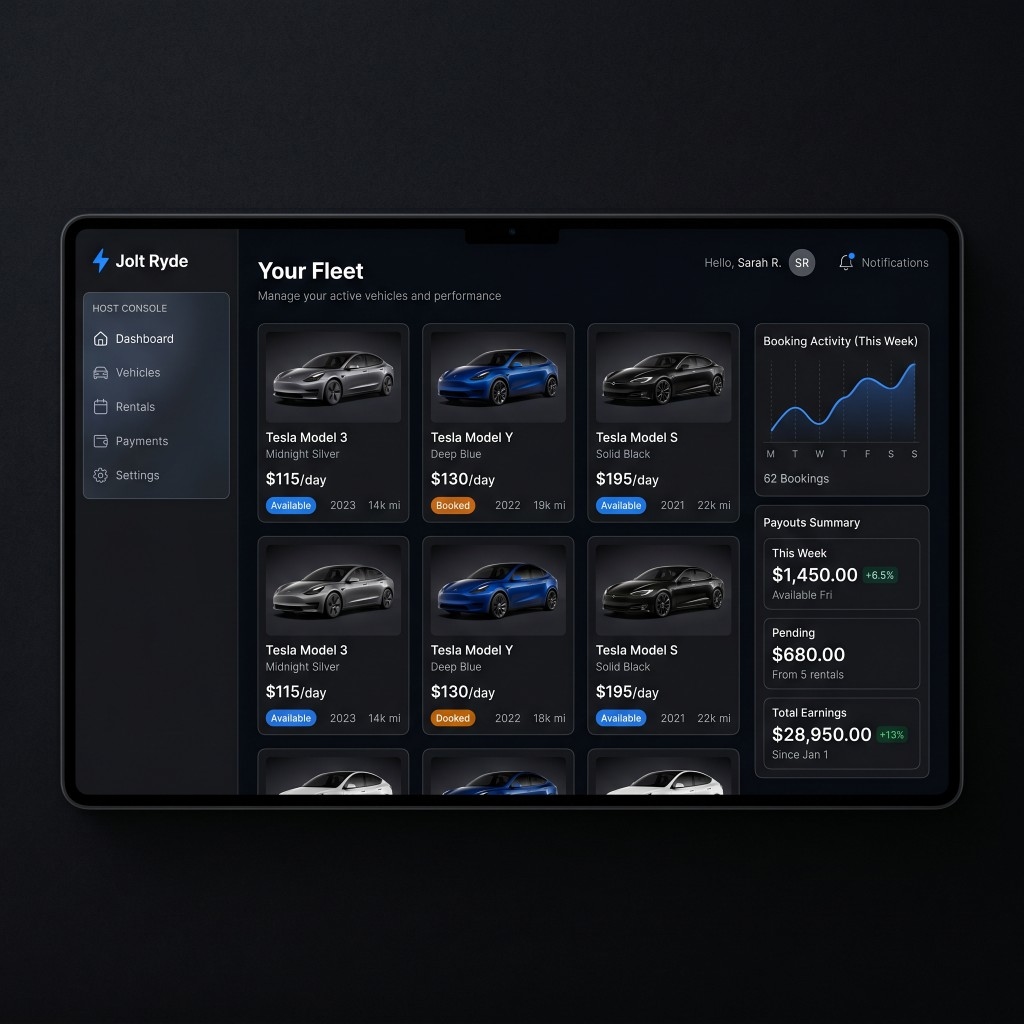
Jolt Ryde host console on tablet — fleet grid, booking activity, and payouts summary

Host

Put your Tesla to work between trips. Use the host console to add vehicles, manage your fleet, and follow rentals and payouts on the cars you list.

  • Fleet tools — add cars, set rates, and keep listings current
  • Rentals dashboard for every trip on your vehicles
  • Stripe Connect for payouts when you're ready to earn

From search to driveway

Four beats your renters will feel — onboarding, discovery, commitment, handoff.

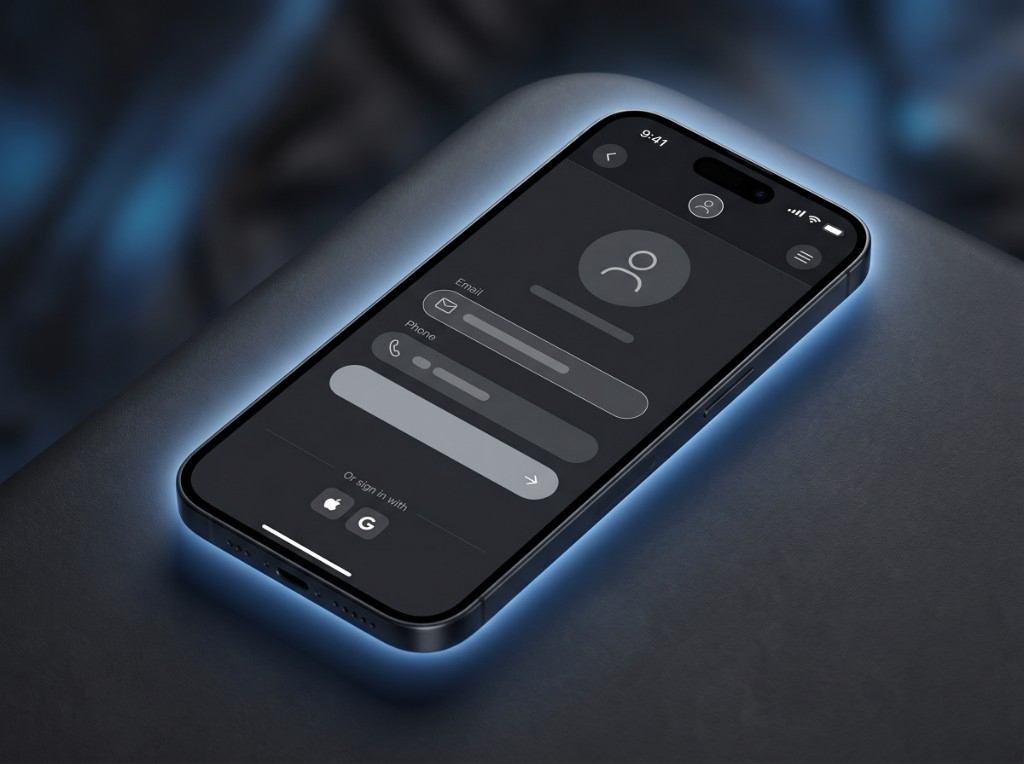
Jolt Ryde on iPhone — create profile with email sign-in and driver onboarding
1

Create your profile

Sign in, verify your email and driver license, and complete driver onboarding before your first booking.

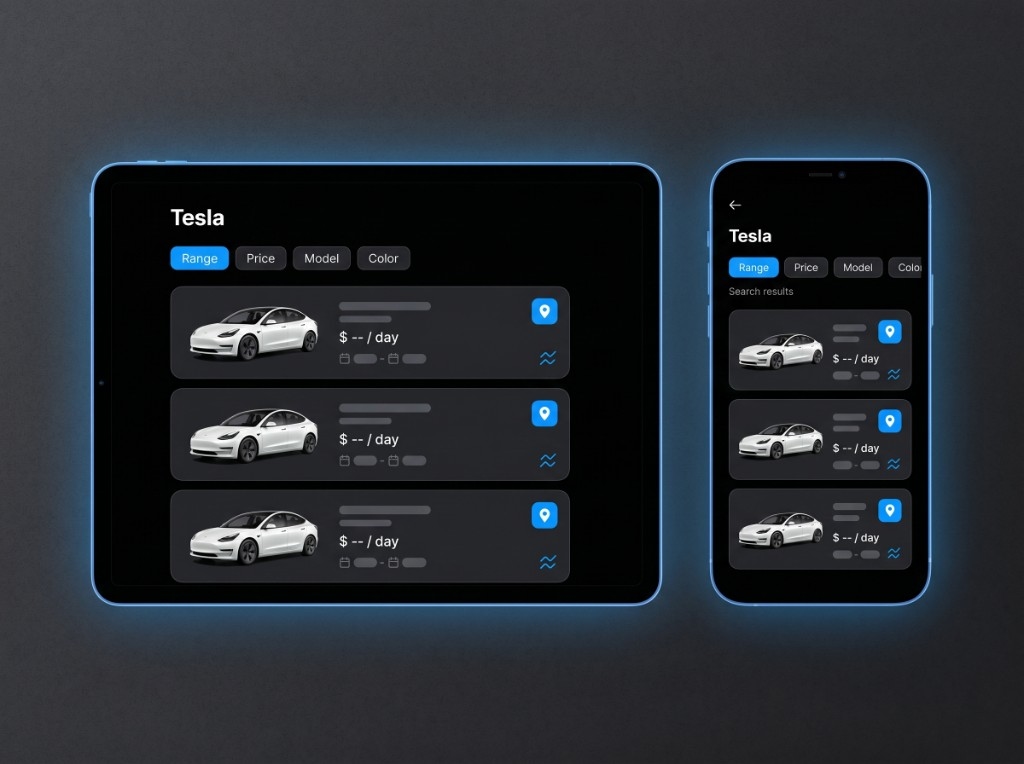
Jolt Ryde on phone and tablet — browse Tesla listings with date and rate filters
2

Search & compare

Set pickup and return times, filter by daily rate, and browse live Tesla inventory in your market.

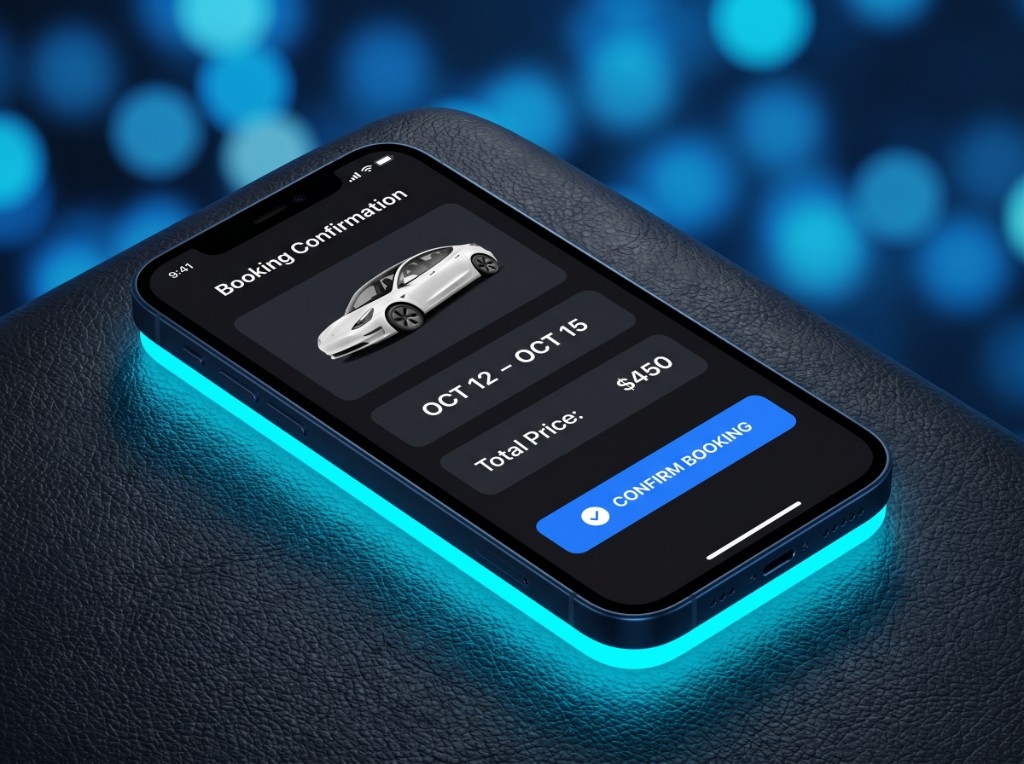
Jolt Ryde on iPhone — booking confirmation with Tesla, dates, and Stripe checkout
3

Reserve & pay

Hold your dates, complete Stripe Checkout, and get confirmation — inventory stays locked while you finish payment.

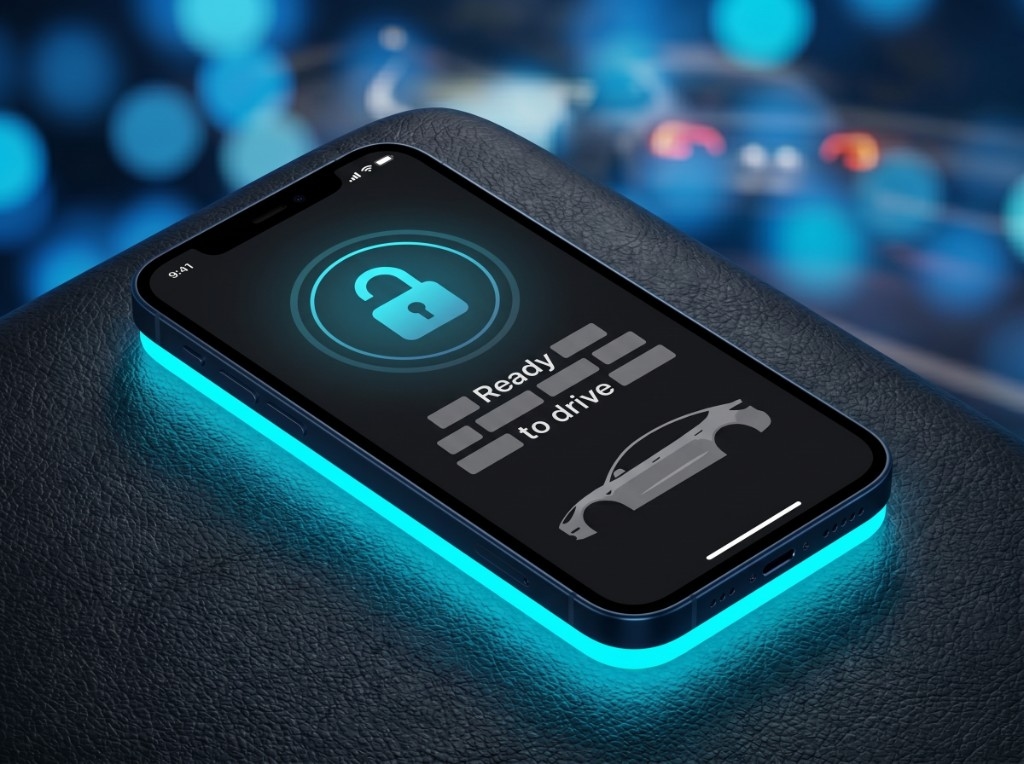
Tesla app on iPhone — Fleet share invite ready to unlock the rental
4

Unlock & drive

For Tesla-linked cars, redeem your Fleet share in the official Tesla app before pickup. Coordinate handoff or delivery with your host when needed.

Why drivers choose Jolt Ryde

Skip the rental counter, book with clear pricing, and drive a Tesla you'll actually enjoy.

“After a long flight, the last thing I want is a rental counter. I picked dates online, saw the total upfront, and knew what I was getting before I landed.”

Weekend trip

“A rental that feels like the car matters — straightforward pricing, Tesla app access, and a handoff that doesn't waste the first hour of the trip.”

Business travel

“We wanted an EV for the week without buying one. Booking took minutes; the hard part was handing the keys back.”

Family visit

What you get with every Tesla

Gas rentals rarely spell this out up front. Here's what matters when you're booking electric — starting with Full Self-Driving on every Tesla.

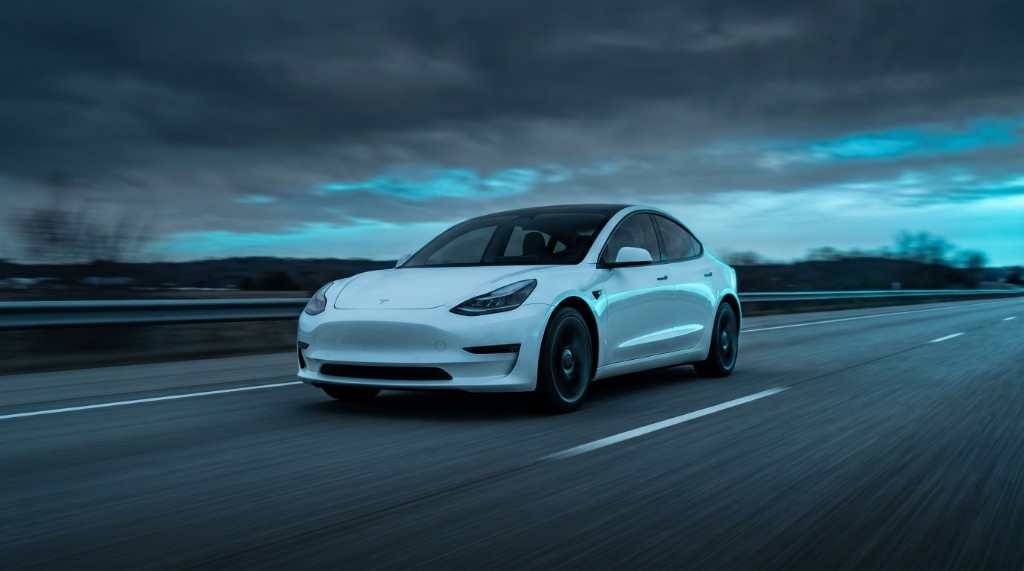
White Tesla Model 3 driving on a highway with motion blur

The drive people book Teslas for

Instant acceleration and one-pedal driving — quiet, quick, and nothing like a typical rental sedan.

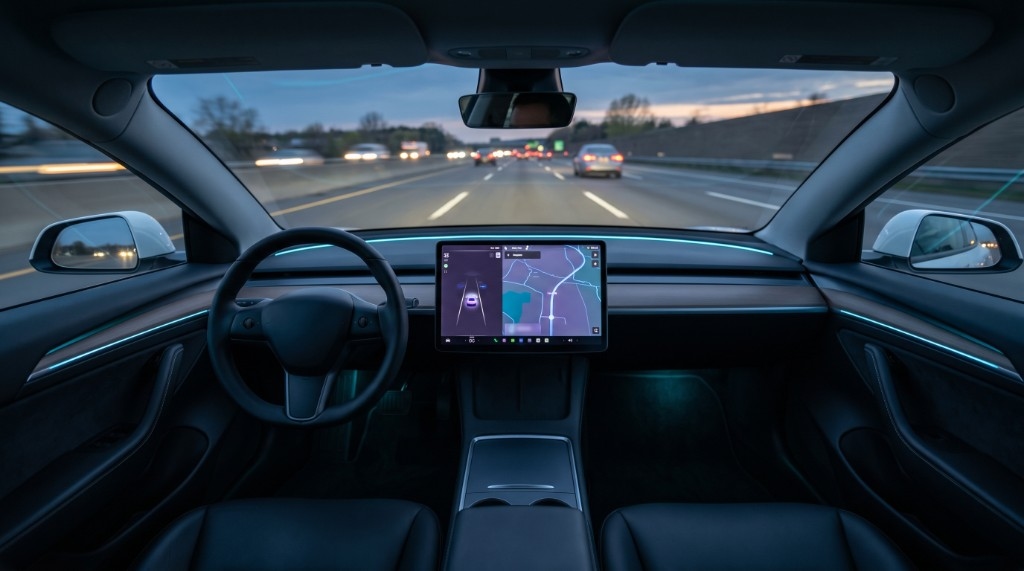
Tesla interior at dusk on the highway with driver-assist and navigation on screen

Full Self-Driving included

Navigate on Autopilot, automatic lane changes, and traffic-aware cruise — the premium Tesla experience, standard on Jolt Ryde. Other marketplaces treat FSD as optional; we don't.

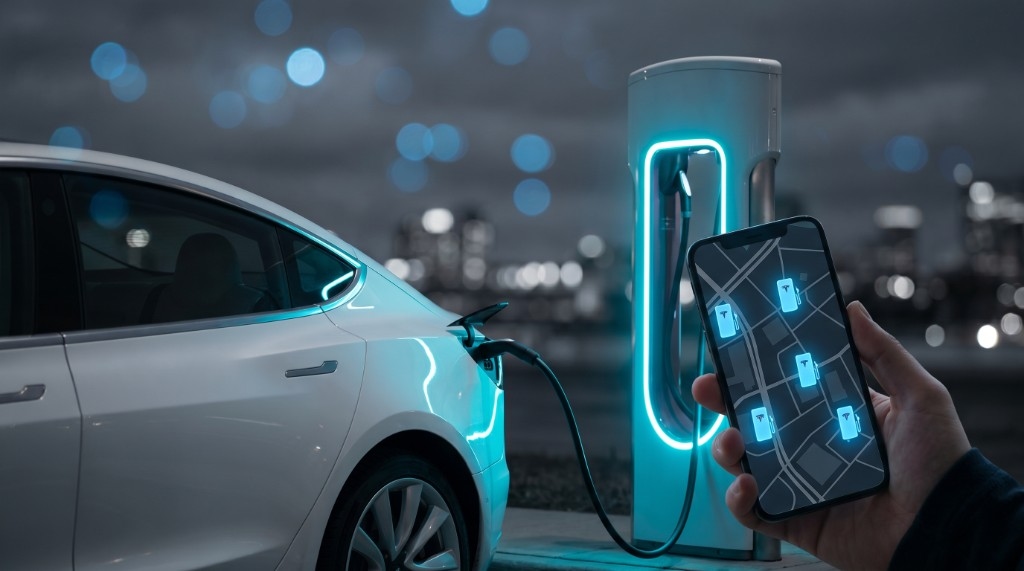
White Tesla at a Supercharger at night with phone showing charger map

Charging without the guesswork

Plan stops in the Tesla app and car navigation. Supercharger sessions on your trip are tracked and billed separately so you're not surprised at return.

Driver FAQ

Straight answers for drivers booking a Tesla on the platform.

Is Full Self-Driving (FSD) included?

Full Self-Driving (FSD) is Tesla's advanced driver-assist package — Navigate on Autopilot on highways, automatic lane changes, traffic-aware cruise control, and Autopark when conditions allow. On Jolt Ryde, FSD is included on every Tesla at no extra charge. On other marketplaces, you often pay a daily fee or hope the host actually enabled it. You stay in the driver's seat and must pay attention at all times; features depend on Tesla software, road conditions, and local regulations.

How does booking work?

Create a driver account, browse live Tesla inventory, and pick your dates. Choose daily or weekly pricing when both are listed. Confirm the trip, pay with Stripe Checkout, and track status in your account — from confirmation through return.

What do I need before I can book?

Verify your email, complete Stripe Identity for your US driver license, and finish driver onboarding (contact details and agreements). You'll also need a saved payment method when weekly auto-renew is offered for your trip.

Can I book by the day or by the week?

Yes — when a host lists both rates. Daily trips run 2–30 days at the daily rate. Weekly trips lock a rolling 7-day window at the weekly rate, built for gig drivers who need the same car all week. Some vehicles offer only one rate type.

How do I unlock the Tesla?

After payment, your rental appears in your account. For Tesla-linked vehicles, we provision a Fleet share invite shortly before pickup — redeem it in the official Tesla app to unlock, climate, and locate the car for your trip window. No rental-counter key handoff required.

How are Supercharger sessions billed?

Supercharger use during your rental is billed separately from your rental fee. We sync sessions from the host's Tesla account and charge your saved card daily while your trip is active — Tesla's session cost plus a 10% service fee. Your host receives the full amount Tesla charged. Sessions Tesla reports after the daily run are collected when your trip ends.

How do payments work?

Your rental is paid through Stripe Checkout when you book. Weekly trips can optionally auto-renew with a saved card when you opt in. Supercharger charges bill separately to your saved payment method — daily during your trip, with a final pass for any late-reported sessions when the trip ends.

Your next trip starts here

Open the fleet, lock your dates, and skip the parts of renting nobody misses — FSD included on every Tesla, Tesla app access for linked vehicles when your trip starts.